Have you ever wondered what the difference is between UI and UX design ? This is one of the most common questions in the world of digital design, and understanding these concepts is essential for anyone looking to build a solid career in this growing field.
The UX and UI design market has grown exponentially, with salaries reaching up to $60,000 annually for experienced professionals. But to reach this level, it’s essential to master both the theoretical foundations and practical skills of each discipline.
In this comprehensive guide, I’ll explain everything you need to know about UI and UX design, from basic definitions to career opportunities and essential tools to start your professional journey.
What is UX Design: User Experience Design

UX Design (User Experience Design) is the discipline responsible for creating meaningful and functional digital experiences for users. User experience design is a constantly growing and evolving field that plays a fundamental role in creating digital products and services that meet users’ needs and expectations.
A UX designer acts as an experience architect , focusing on:
- User research and behavioral analysis
- Information architecture and navigation flows
- Wireframes and functional prototypes
- Usability testing and hypothesis validation
- Product strategy and business objectives
Main Responsibilities of a UX Designer
UX professionals work with a user-centric approach , deeply investigating the needs, behaviors, and pain points of their target audience. Their main responsibilities include:
Research and Analysis:
- Conduct user interviews
- Create personas and journey maps
- Analyze behavioral metrics
- Perform competitive benchmarking
Design and Structuring:
- Develop detailed wireframes
- Create interactive prototypes
- Define navigation flows
- Structure information architecture
Validation and Optimization:
- Run A/B tests
- Conduct usability sessions
- Analyze user feedback
- Implement continuous improvements
Pro Tip: UX designers need to develop analytical and empathetic skills to truly understand user needs and translate them into practical solutions.
READ ALSO:
Difference between Data Scientist and Data Analyst
Professional Certificate in Data Analysis
What is UI Design: User Interface Design
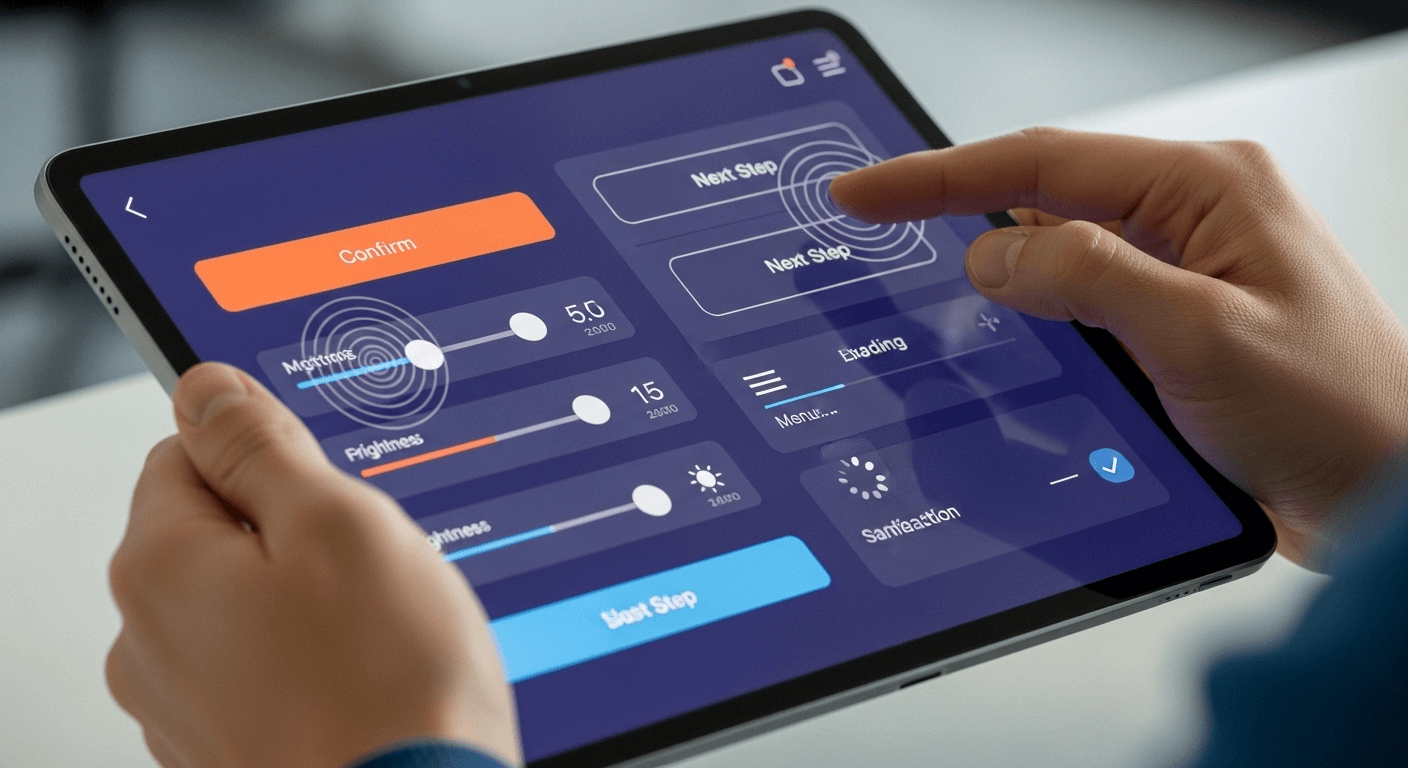
UI Design (User Interface Design) is the discipline focused on the visual and interactive creation of digital interfaces. UI Design, from User Interface, refers to user interaction with the interfaces of a digital product.
A UI designer is responsible for transforming wireframes and concepts into attractive and functional visual interfaces , working with:
- Visual design and graphic identity
- Design systems and reusable components
- Typography and visual hierarchy
- Colors , icons and graphic elements
- Interactions and micro-animations
Main Responsibilities of a UI Designer
A UI specialist combines creativity with functionality , creating interfaces that are not only visually appealing but also intuitive and accessible . Their main responsibilities include:
Visual Design:
- Create high-fidelity mockups
- Develop color palettes
- Define typography and visual hierarchies
- Icon and graphic design
Systems and Components:
- Build design systems
- Create component libraries
- Define interface standards
- Develop style guides
Interaction and Movement:
- Design micro-interactions
- Create transitions and animations
- Define interface states
- Develop visual feedback
Accelerate Your Career: Want to master essential UI/UX Design tools? Explore Coursera’s specialized courses and develop practical skills with real-world projects. [ Click here and start your professional transformation! ]
Difference Between UI and UX: Detailed Comparison

Understanding the fundamental difference between UI and UX is crucial to defining your professional path in digital design. Let’s analyze the main distinctions :
Focus and Approach
UX Design:
- Focus on the complete user experience
- Strategic and analytical approach
- Concern with flows and journeys
- Data and research driven
UI Design:
- Focus on visual interface and interaction
- Creative and aesthetic approach
- Concern for appearance and usability
- Guided by design and visual trends
Work Process
| UX Design | UI Design |
|---|---|
| User research | Visual design |
| Data analysis | Creating mockups |
| Wireframing | Color definition |
| Prototyping | Typography |
| Usability testing | Design systems |
Main Tools
UX Tools:
- Figma (wireframes and prototypes)
- Miro (mapping and brainstorming)
- Hotjar (behavior analysis)
- UserTesting (usability testing)
- Optimal Workshop (information architecture)
UI Tools:
- Figma (visual design)
- Adobe XD (interfaces and interactions)
- Sketch (interface design)
- Adobe Illustrator (graphic elements)
- Principle (micro-interactions)
Deliverables and Results
UX Designer produces:
- User personas and journey maps
- Wireframes and user flows
- Functional prototypes
- Research reports
- Requirements documentation
UI Designer produces:
- High-fidelity mockups
- Design systems
- Graphic assets
- Visual specifications
- Style guides
UX/UI Designer: The Hybrid Professional
In today’s market, many companies are looking for hybrid professionals capable of working in both UX and UI design . This generalist profile offers several advantages:
Advantages of the Hybrid Profile
For the Professional:
- Greater versatility in the market
- Holistic understanding of the process
- Diversified opportunities
- Competitive salaries
For Companies:
- Reduction of operating costs
- More efficient communication
- Agility in development
- Visual and functional consistency
Hybrid Profile Challenges
- Need for constant updating
- Demand for multiple skills
- Time management between different fronts
- Specialization versus generalization
Develop Multiple Skills: Become a well-rounded UI/UX Design professional with courses covering all disciplines . Access Coursera and build a diverse portfolio that impresses employers. [ Explore courses now! ]
Job Market and Career Opportunities
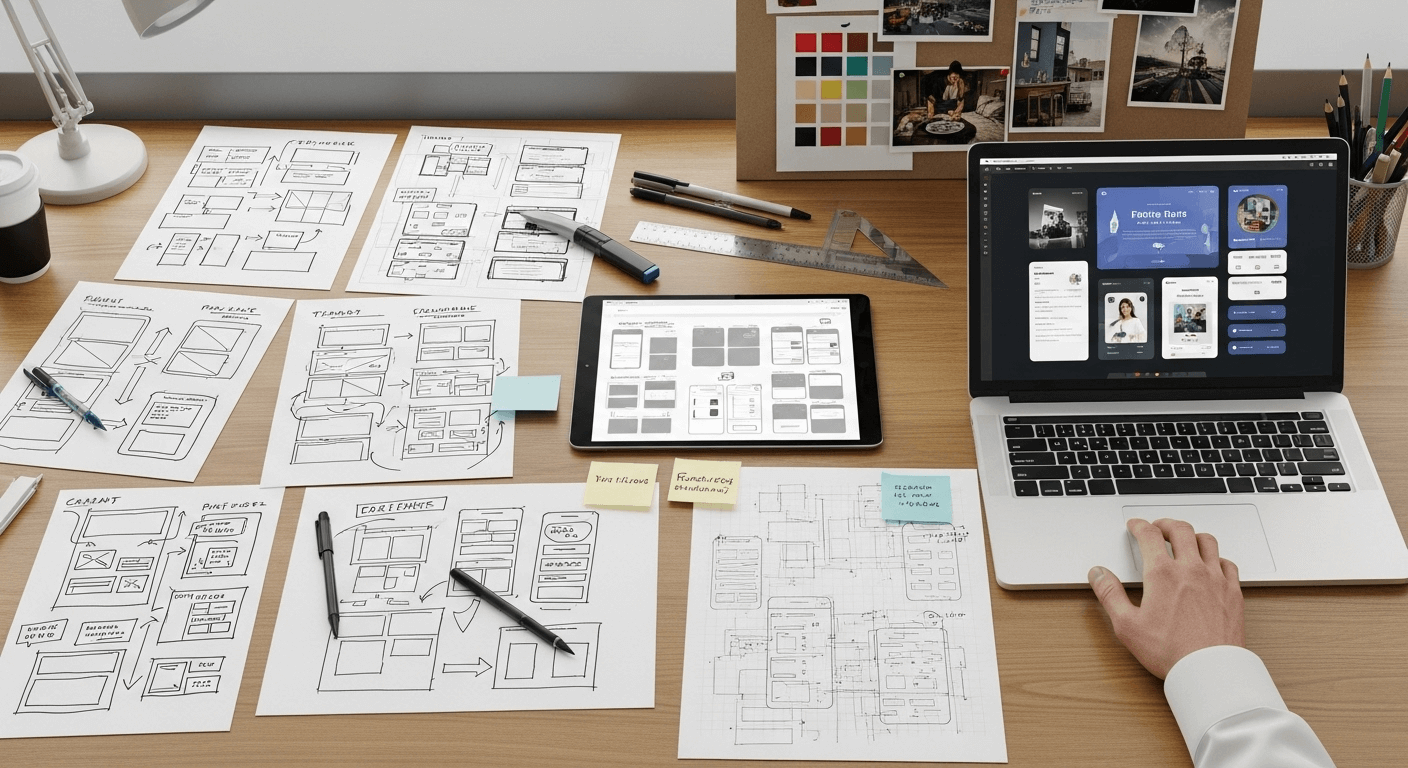
The UX/UI design market offers excellent growth prospects and attractive pay . Let’s analyze the main opportunities :
Salaries and Remuneration
Global Salary Levels:
- Beginner (0-2 years): $35,000 – $50,000 annually
- Full-time (2-5 years): $50,000 – $75,000 annually
- Senior (5+ years): $75,000 – $120,000 annually
- Lead/Manager: $100,000 – $150,000 annually
The average salary for a UX and UI Designer can reach approximately $60,000 for the most experienced professionals, demonstrating the potential for growth in the field.
Areas of Activity
Expanding Sectors:
- Technology and startups
- E-commerce and marketplace
- Fintech and digital banks
- Digital health and telemedicine
- Online Education and EdTech
Types of Company:
- Startups and scale-ups
- Technology companies
- Digital agencies
- Specialized consultancy
- Freelancing and remote work
Career Development
Possible Trajectories:
- Technical specialization: Senior Designer → Design Lead → Design Director
- Product Management: UX Designer → Product Designer → Product Manager
- Consulting: Designer → UX Consultant → Design Strategy
- Entrepreneurship: Designer → Founder → Design Agency Owner
Essential Skills for UI and UX Design
To build a solid career in UI/UX design, it’s crucial to develop a comprehensive skill set:
Technical Skills (Hard Skills)
For UX Design:
- User research and qualitative methods
- Data analysis and metrics
- Wireframing and prototyping
- Information architecture
- Usability testing
- Design thinking and agile methodologies
For UI Design:
- Graphic design and visual composition
- Typography and color theory
- Design systems and components
- Interactive prototyping
- Basic CSS knowledge
- Motion design and micro-interactions
Behavioral Skills (Soft Skills)
Essential for Both Areas:
- Effective communication and presentation
- Critical thinking and problem solving
- Collaboration and teamwork
- Adaptability and continuous learning
- Empathy and user focus
- Time management and organization
Complementary Knowledge
Support Areas:
- Digital marketing and growth hacking
- Behavioral psychology
- Basic web development
- Business and business metrics
- Digital accessibility
- Sustainable and ethical design
Essential Tools for UI/UX Design
Good UI design is essential to good UX. Here are the best UI design tools and their key features. Mastering the right tools is crucial for productivity and quality of work:
Visual Design Tools
Figma (Recommended):
- Real-time collaboration
- Reusable components
- Interactive prototyping
- Free version available
- Extensive plugins
Adobe XD:
- Integration with Creative Suite
- Auto-animate for transitions
- Collaborative coediting
- Voice prototyping
Sketch (Mac exclusive):
- Symbols and libraries
- Powerful plugins
- Optimized export
- Active community
Prototyping Tools
Prototyping Tools:
- InVision – prototyping and collaboration
- Marvel – simple prototyping
- Principle – micro-interactions
- Framer – advanced prototypes
UX Research Tools
Research Tools:
- Hotjar – heatmaps and recordings
- Google Analytics – usage metrics
- UserTesting – remote testing
- Optimal Workshop – card sorting
- Typeform – questionnaires
Collaboration Tools
Collaboration Tools:
- Miro – digital whiteboard
- FigJam – brainstorming
- Slack – team communication
- Notion – documentation
- Abstract – versioning
Master the Tools of the Trade: Learn to use Figma , Adobe XD , and other essential tools with hands-on instruction and real-world projects. Access specialized courses on Coursera. [ Start your hands-on journey now! ]
How to Start Your Career in UI/UX Design
Starting a career in digital design can seem challenging, but with the right strategy and dedication , it’s possible to build a solid career path :
Step 1: Theoretical Foundations
Study the Basic Concepts:
- Visual design principles
- Cognitive and behavioral psychology
- UX research methodologies
- Usability heuristics
- Digital accessibility
Recommended Resources:
- “Don’t Make Me Think” – Steve Krug
- “The Design of Everyday Things” – Don Norman
- “About Face” – Alan Cooper
- Specialized online courses
- Articles and case studies
Step 2: Practical Skills
Master the Tools:
- Get started with Figma (free)
- Practice wireframing daily
- Create simple prototypes
- Try micro-interactions
- Develop design systems
Learning Projects:
- Redesign of popular apps
- Responsive landing pages
- Simple mobile applications
- Dashboard and administrative panels
- Basic e-commerce
Step 3: Professional Portfolio
Essential Elements:
- 3-5 well-documented projects
- Detailed process documentation
- Before/after comparisons
- Results and metrics
- Reflections and learnings
Case Study Structure:
- Problem and context
- Research and discoveries
- Design process
- Proposed solutions
- Results and impact
Step 4: Networking and Community
Engage in the Community:
- Attend events and meetups
- Contribute to specialized forums
- Follow influencers in the field
- Share your process on social media
- Seek professional mentoring
Important Platforms:
- Dribbble – visual inspiration
- Behance – professional portfolio
- Medium – articles and insights
- LinkedIn – professional networking
- Twitter – UX Community
Step 5: First Opportunity
Search Strategies:
- Internship and trainee programs
- Small freelancers
- Volunteer projects (NGOs)
- Partnerships with developers
- Design competitions
Interview Preparation:
- Portfolio presentation
- Practical design challenges
- Behavioral questions
- Market knowledge
- Soft skills and communication
READ ALSO:
What Does a Back-End Developer Do
12 Best Coursera Courses and Certifications to Learn Python Online
What Does an IT Professional Do
Trends and Future of UI/UX Design
The field of digital design is constantly evolving , and successful professionals need to keep up with emerging trends :
Technological Trends
Emerging Technologies:
- Artificial Intelligence and Machine Learning
- Augmented Reality (AR) and Virtual Reality (VR)
- Voice User Interface (VUI)
- Internet of Things (IoT)
- Automated Design Systems
Design Trends:
- Dark mode and adaptive themes
- Sophisticated microinteractions
- 3D elements and immersion
- Glassmorphism and neumorphism
- Sustainable design practices
Market Changes
Market Shifts:
- Remote work as standard
- AI-assisted design tools
- No-code/low-code platforms
- Design tokenization
- Collaborative design systems
New Roles:
- Design Systems Engineer
- Conversation Designer
- Service Designer
- Design Operations
- Ethical Design Specialist
Skills of the Future
Future Skills:
- AI literacy and prompt engineering
- Cross-platform design
- Advanced data visualization
- Ethical design principles
- Business strategy integration
Resources for Continuous Learning
Continuous learning is essential to stay relevant in the UI/UX design market:
Education Platforms
Online Learning:
- Coursera – university courses
- Udemy – practical courses
- Interaction Design Foundation – specialized UX
- Domestika – creative design
- YouTube – free tutorials
Recommended Specializations:
- Google UX Design Certificate
- IBM Design Thinking
- Adobe Certified Expert
- Human-Computer Interaction
- Service Design Certification
Communities and Resources
Design Communities:
- UX Mastery – UX Resources
- Designer Hangout – Slack community
- Mixed Methods – UX research
- IxDA – Interaction Design Association
- Design+Research – academy
Blogs and Publications:
- Nielsen Norman Group
- Smashing Magazine
- UX Planet
- UX Collective
- A List Apart
Events and Conferences
Major Events:
- UX Week
- Interaction Conference
- Design+Research
- UXLx Conference
- Local UX meetups
Conclusion: Your Journey in UI/UX Design
The difference between UI and UX design goes far beyond technical definitions—they represent two complementary approaches to creating exceptional digital experiences . While UX focuses on the holistic user experience, UI focuses on the visual and interactive interface.
The market offers abundant opportunities for qualified professionals, with competitive salaries and rapid growth . The key is to develop solid skills , build an impressive portfolio , and stay up to date with emerging trends.
Key Points to Remember:
- UX Design = Experience and Strategy
- UI Design = Interface and visual
- Both are essential for successful digital products.
- Hybrid skills are valued in the market
- Continuous learning is essential
- Portfolio is your main sales tool
Your Next Step:
Whether you choose UX , UI , or both , the important thing is to start now . Every project, every tool learned, and every piece of feedback you receive brings you closer to a solid and rewarding career in digital design.
The future belongs to designers who understand both human needs and technological possibilities . Their journey begins with the first wireframe , the first prototype , or the first user research .
Remember: Great designers aren’t born knowing—they learn , practice, and constantly evolve . Your professional transformation in UI/UX design is within your reach.
This article was created to guide your professional journey in UI/UX Design. Continue learning, practicing, and growing in the field that most transforms people’s digital experiences.